
- Why ProcessPro
From process chaos to process governance
Most organisations don’t struggle to document processes. They struggle to trust them, control them, and use them in real work.
ProcessPro gives you one clear system to map, own, govern, and improve how work gets done.
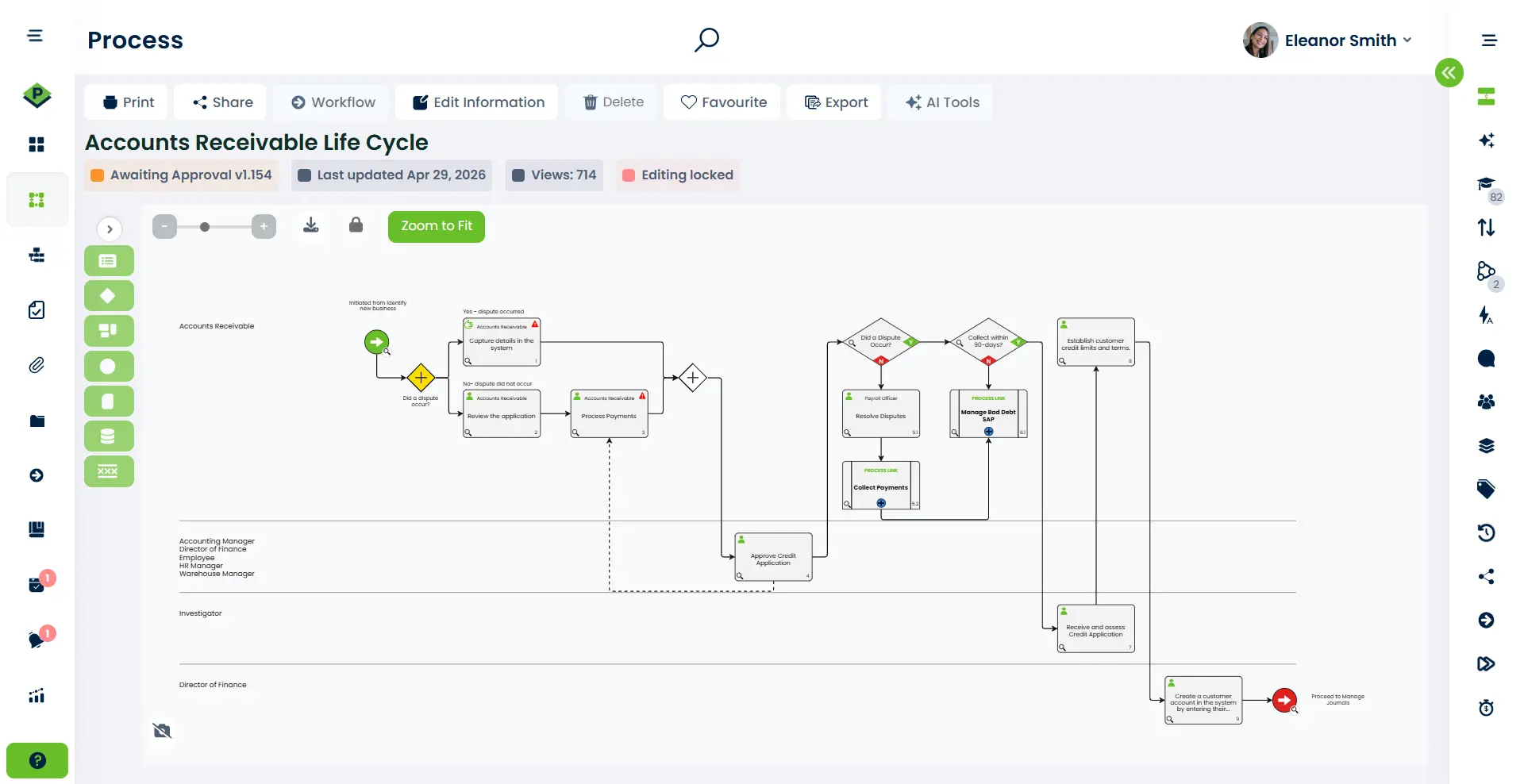
What problems ProcessPro solves
Process issues rarely look like process issues. They show up as delays, rework, risk, and confusion.
Inconsistent Execution
Work is done differently across teams and locations, leading to unpredictable results.
Key Person Dependency
Processes depend on individuals. When they leave, critical knowledge walks out the door.
Outdated Documentation
Documents are outdated or hard to find. No one knows what’s current anymore.
Audit Nightmares
Audits take too long to prepare because evidence is scattered and unstructured.
Improvements Don't Stick
Changes are made but fade away. Improvements never become standard practice.
Most organisations already have documentation. The problem is that it’s not controlled, not trusted, and not used consistently.
What you get with ProcessPro
ProcessPro replaces scattered documents and informal knowledge with one governed system.
One source of truth for processes
All processes live in one place. No more searching across folders or files.
Clear ownership and accountability
Every step has an owner. Reviewers and approvers are clearly assigned.
Controlled change with approvals
Updates follow a defined workflow. Changes are visible, reviewed, and approved.
Audit-ready history and evidence
Every change is tracked. Full version history and approvals are stored.
One source of truth for processes
All processes live in one place. No more searching across folders or files.
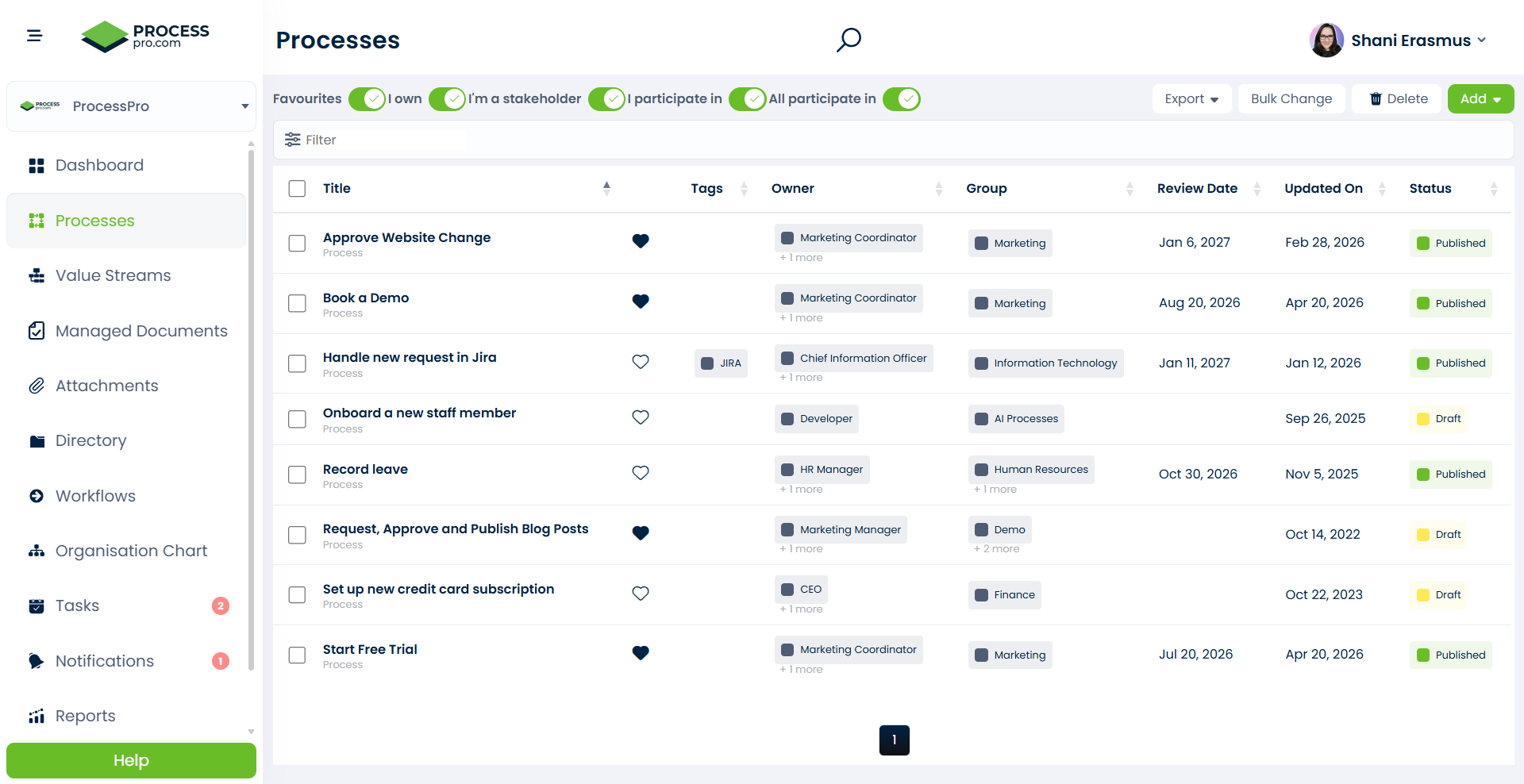
Why organisations choose ProcessPro
Organisations choose ProcessPro because it moves processes from documentation to control.
Visualise how work really happens
Start with reality, not the document people stopped using.
Governance built into daily work
Ownership, approvals, and version control are part of how work happens.
Improvement that becomes standard work
Changes don't fade. They become the way the organisation operates.
Clarity without complexity
You get structure and control without adding friction.
What this looks like in practice
When processes are clear and controlled, the impact is immediate.
- Faster Audit Preparation
Audit preparation time is reduced because evidence is already structured and accessible.
- Faster Audit Preparation
New staff get up to speed faster because processes are easy to follow and understand.
- Less Rework
Rework is reduced because teams work from the same version every time.
- Consistent Execution
Execution becomes more consistent across teams and locations worldwide.
“Instead of relying on people to remember how work should be done, the process becomes the reference point.”
See how it would work in your environment
Every organisation has different processes, risks, and priorities. The most useful way to evaluate ProcessPro is to see how your processes would look and operate inside a controlled system.
See how your processes would work inside ProcessPro