
PROCESSPRO VS NINTEX PROCESS MANAGER

Looking for a Promapp alternative? Compare ProcessPro side by side.
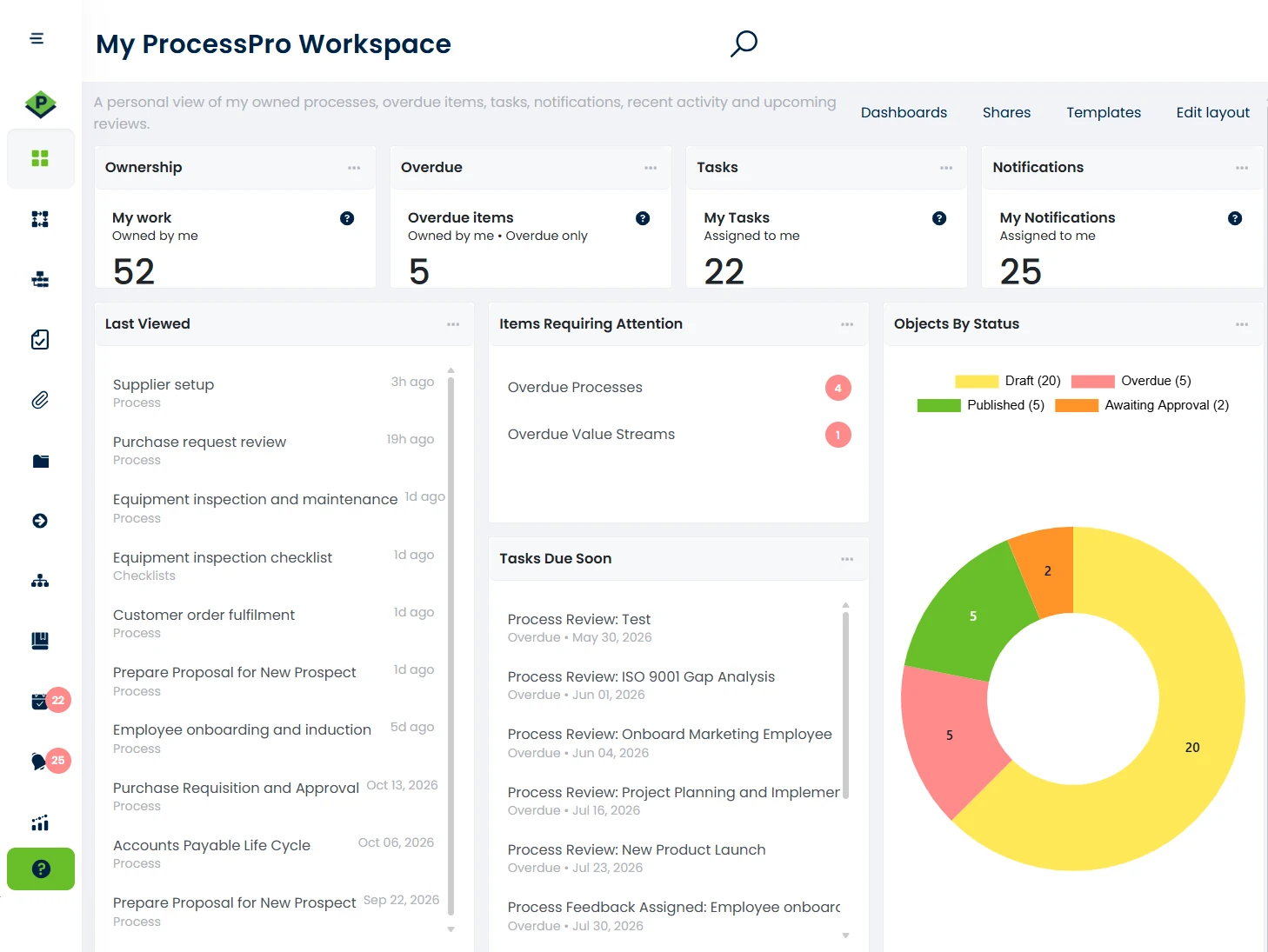
ProcessPro and Nintex Process Manager (formerly Promapp) both help you map and share how work gets done. The difference shows up after the map is drawn: who owns each process, how changes get approved, and what support you get when you need it. Here’s how they compare.
Chosen by teams in manufacturing, utilities, local government and higher education.

Why teams switch

Support you can reach.

When a process breaks or an audit is coming, you need answers that day. ProcessPro customers work with a responsive support team, an online help library and a chatbot that answers questions instantly.

A roadmap you can influence.

Our roadmap comes from real customer scenarios. When a customer needs something, we often build it, and every customer gets the improvement.

Governance built in, not bolted on.

Role-based ownership, configurable approvals, change acknowledgements and a full audit trail are built into the platform. You always know who owns a process, who approved the last change and who has read it.

Pricing that makes sense at renewal.

Advanced plans and above include unlimited users, so your costs don’t climb every time someone new joins. Start with the capacity you need and move up as your process library grows.

ProcessPro vs Nintex Process Manager at a glance

Both platforms cover the basics. The gaps show up in governance, automation and AI.
CAPABILITY
PROCESSPRO
NINTEX PROCESS MANAGER
Cloud access, SSO, ISO compliance support
Version history and change log
Multiple companies in one account
Configurable process and policy approvals
Process change acknowledgements
Limited
Full process and document audit trail
Business continuity classification and reporting
Alerts when users are missing from roles
Process quality scores and health checks
Limited
Current state vs future state
Value stream maps
Embedded workflow and dynamic forms
Limited
Task escalation and reminders
Limited
Microsoft Teams integration
Process import from Word or PDF
Limited
AI-generated processes, SOPs and optimisation
Limited
Based on publicly available information, reviewed October 2026. Features change, so check current details with each vendor.

Moving from Promapp is simpler than you think

You’ve already done the hard part: your processes are mapped. ProcessPro brings them across so your team isn’t starting again.
1

Bring your processes across.

We help you move your existing Promapp processes into ProcessPro, so you don’t start from a blank page. Your proposal sets out exactly how the migration will work.
2

Check and assign owners.

Review what came across and give each process an owner and an approval route.
3

Publish and go live.

Your team works from the approved version, with every change recorded from day one.

"We already have a tool, and the team is tired of change"

That’s fair. Nobody wants another rollout for the sake of it. But staying put has a cost too: a renewal at a higher price, support you can’t rely on, and gaps you work around every week.

The best time to compare is before your renewal date, not after. A one-hour demo with our CEO, James Ross, will show you whether switching is worth it. If it isn’t, you’ll know that too.

Frequently asked questions

Yes. Nintex bought Promapp in 2018 and now sells it as Nintex Process Manager.

Yes. Migration is one of the services we offer. We’ll look at your Promapp library with you, and your proposal confirms what comes across and how.

Pricing depends on how many processes you manage and which governance features you need. Advanced plans and above include unlimited users, SSO, API access and process approvals. See our subscription options or ask us for a quote.

Multiple companies in one account, process change acknowledgements, business continuity reporting, alerts when a role has no users, and AI-generated SOPs, among others. See the comparison table above. 

For a wider view, see our comparison of 10 process management software tools.

Our CEO, James Ross, runs a one-hour demo. We usually show general examples, but you’re welcome to bring one of your own processes.

Yes. Start a 30-day free trial with five users. No credit card needed.

See ProcessPro with your own processes

Book a one-hour demo with James, or start a free trial and map a process yourself. Either way, you’ll know before your renewal comes up.