What is business process optimization?
Business process optimization is the structured practice of analysing and improving an existing business process so it produces better results. The goal may be to reduce delays, remove unnecessary steps, lower costs, prevent errors or make work more consistent across teams.
It starts with understanding how the process works today. Teams map the current steps, review performance data and identify bottlenecks, duplicated work, unclear responsibilities and unnecessary handoffs. They can then redesign the process, test the changes and measure whether performance improves.
Optimization does not always mean automation. A process may improve by removing a redundant approval, clarifying ownership or changing the order of tasks. Technology can support these changes, but it cannot fix a poorly designed process on its own.
Business process optimization is also not a once-off project. Processes need regular reviews as teams, regulations, technology and customer needs change. Clear ownership, version control, approvals and performance monitoring help organisations maintain improvements and keep processes effective over time.
Business process optimization vs process improvement
Business process improvement is the broader practice of making processes work better over time. It can include small changes, major redesigns, new technology, updated policies and changes to how teams work.
Business process optimization is a more focused form of process improvement. It uses process data and measurable goals to improve the performance of an existing process. The aim is usually to reduce delays, remove waste, lower costs, improve quality or use resources more effectively.
For example, a process improvement project may introduce clearer responsibilities and updated training. An optimization project may analyse the same process and remove an unnecessary approval that adds two days to the turnaround time.
Both approaches rely on understanding the current process, identifying problems, implementing changes and measuring the results. Process improvement provides the ongoing framework. Process optimization targets specific performance gains within that framework.
Signs that a process needs optimization
A process may still produce the expected result while creating delays, extra work and avoidable risk. These signs can help you identify where optimization is needed.
- Frequent delays and bottlenecks
Work regularly waits for approvals, information or input from one person. Tasks take longer than expected, and teams struggle to meet deadlines.
- Repeated errors and rework
Employees correct the same mistakes, enter information more than once or redo completed work. This increases costs and affects quality.
- Unclear ownership
Employees do not know who is responsible for a task, decision or process outcome. Work gets passed between teams without clear accountability.
- Too many handoffs or approvals
A process moves through several people or departments before it is completed. Each handoff adds waiting time and creates another opportunity for information to be lost.
- Inconsistent ways of working
Teams, departments or locations complete the same process differently. Results depend on individual knowledge rather than an agreed process.
- Reliance on manual work
Employees spend time copying data, updating spreadsheets, sending reminders or completing other repetitive tasks that could be simplified.
- Outdated process documentation
The documented process no longer reflects how work is completed. Employees rely on memory, informal instructions or advice from experienced colleagues.
- Poor visibility
Managers cannot easily see the process status, overdue work, current owner or cause of a delay. Problems are only identified after they affect the outcome.
- Rising costs or customer complaints
Operating costs increase, service slows down or customers report recurring problems. These outcomes may point to weaknesses in the underlying process.
Five steps to optimize a business process
Business process optimization starts with understanding how work happens now. Follow these five steps to make changes based on evidence and measure whether they improve performance.
- Step 1: Map the current process
Document each activity, decision, handoff and approval from start to finish. Include the people responsible, the systems they use and the information they need. Speak to employees who complete the work because the documented process may differ from what happens in practice.
- Step 2: Measure current performance
Establish a baseline before making changes. Track relevant measures such as completion time, waiting time, error rates, costs, missed deadlines and customer complaints. This gives you a clear way to compare performance after the process changes.
- Step 3: Identify the cause of the problem
Review the process map and performance data to find bottlenecks, duplicated work, unclear responsibilities and unnecessary approvals. Focus on the cause rather than the visible symptom. A delayed task, for example, may result from missing information earlier in the process.
- Step 4: Redesign and test the process
Remove steps that do not add value, clarify responsibilities and simplify handoffs. Consider automation where it can reduce repetitive work or errors. Test the redesigned process with a small group before introducing it across the organisation.
- Step 5: Implement, monitor and improve
Assign a process owner, communicate the changes and provide any required training. Continue measuring performance against the original baseline. Use review dates, employee feedback and process data to identify further improvements and prevent the process from becoming outdated.
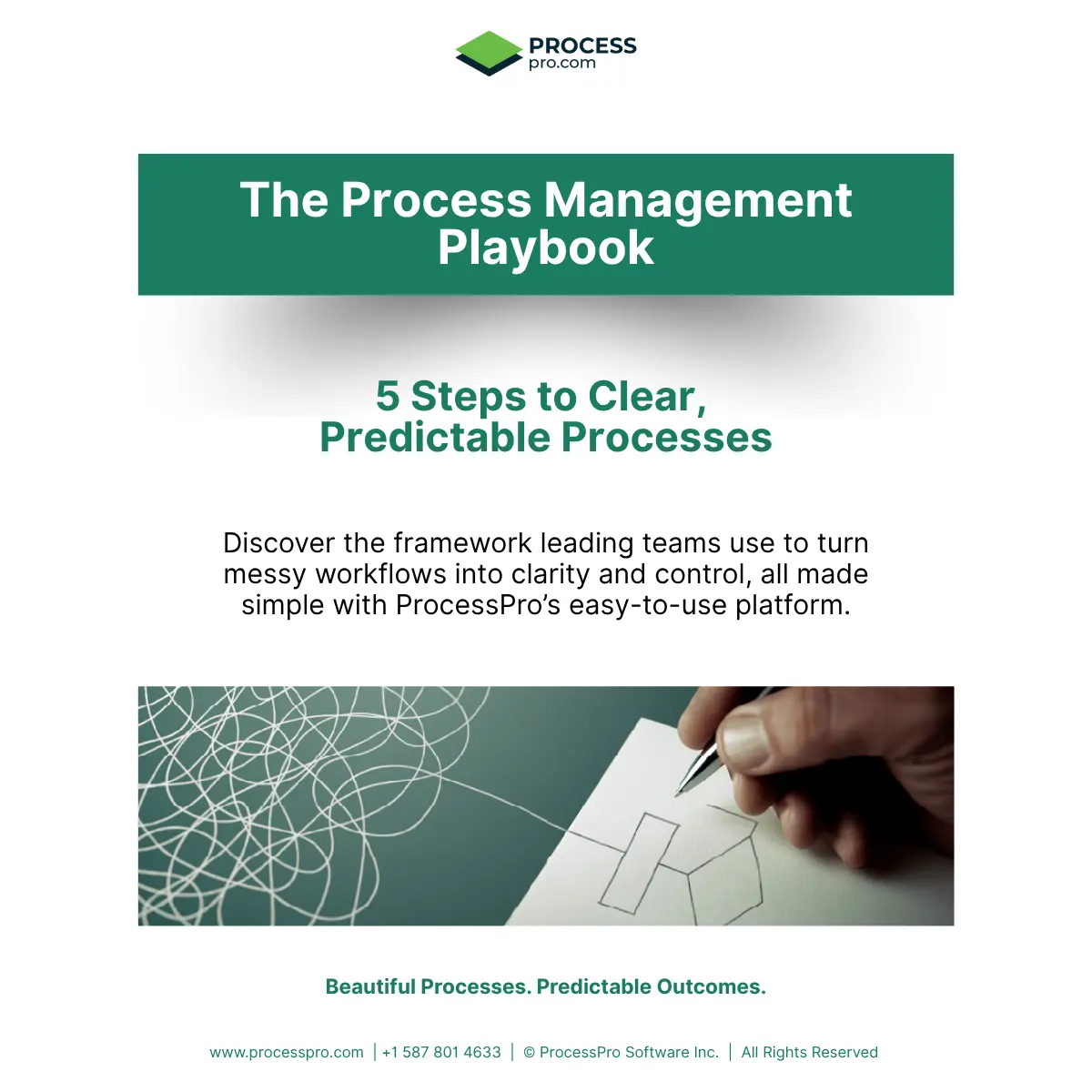
Ready to improve your processes?
The Process Management Playbook gives you five practical steps for building processes that are clear, owned and ready for continuous improvement.
Common business process optimization methods
Different optimization methods suit different problems. Some help teams understand how work flows, while others focus on reducing waste, finding root causes or controlling quality.
- PDCA
The Plan, Do, Check, Act cycle supports continuous improvement. Teams plan a change, test it, review the results and decide whether to adopt, adjust or stop it. PDCA works well for testing small improvements over time.
- DMAIC
DMAIC stands for Define, Measure, Analyse, Improve and Control. It provides a structured way to identify a problem, measure current performance, find its cause, implement improvements and maintain the results. It is commonly used in Six Sigma projects.
- Lean
Lean focuses on removing activities that do not add value for the customer. This can include unnecessary waiting, duplicated work, excessive handoffs, errors and unused resources. The goal is to create a simpler and more efficient flow of work.
- Six Sigma
Six Sigma uses data to reduce errors and variation in a process. It is useful when inconsistent results, quality issues or recurring defects affect process performance.
- Value stream mapping
Value stream mapping shows how work and information move through an entire process. It helps teams distinguish between activities that add value and those that create delays or waste.
- Root cause analysis
Root cause analysis helps teams identify why a problem keeps happening. Methods such as the Five Whys and fishbone diagrams encourage teams to look beyond the immediate symptom before deciding on a solution.
These methods can be used together. A team might use value stream mapping to find delays, root cause analysis to understand them and PDCA to test the proposed changes.
Practical business process optimization examples
These before-and-after examples show how small process changes can reduce delays, clarify responsibilities and improve consistency.
- Invoice approval
Before: Invoices are emailed to different managers for approval. Employees follow up manually, and finance cannot easily see which invoices are waiting or overdue.
After: Each invoice follows a defined approval path based on its value and department. Responsibilities are clear, reminders are sent at the correct stage, and finance can monitor progress from one place.
- Employee onboarding
Before: HR, IT and department managers use separate checklists. Tasks are missed, accounts are created late, and new employees receive inconsistent information.
After: One shared process assigns each task to the correct role. Due dates, required documents and completion status are visible to everyone involved.
- Manufacturing quality checks
Before: Quality inspections are recorded on paper or in separate spreadsheets. Problems are reported differently across sites, making recurring issues difficult to identify.
After: All sites follow the same inspection process and record results consistently. Managers can review trends, identify repeated defects and update the process when corrective action is needed.
- Customer complaint handling
Before: Complaints arrive through email, phone calls and online forms. Employees record them differently, and customers may need to repeat information when the complaint moves between departments.
After: A standard process captures the required information at the start, assigns an owner and defines when escalation is needed. Employees can see the complaint status and the actions already taken.
- Policy review and approval
Before: Policies remain unchanged for years because review dates and ownership are unclear. Teams may rely on outdated versions saved in different folders.
After: Every policy has an owner, review date, approval path and version history. Overdue reviews are visible, and employees can access the current approved version.
In each example, optimization begins by identifying the source of delays, errors or inconsistency. The improved process then introduces clearer steps, ownership and controls that can be measured and reviewed.
How software supports continuous optimization
Business process optimization does not end when a new process is introduced. Processes need regular monitoring and review to remain effective as teams, systems, regulations and customer needs change.
Process management software gives teams one place to document, manage and improve their processes. Employees can access the current approved process instead of relying on outdated documents, disconnected spreadsheets or individual knowledge.
Clear ownership makes each person’s responsibilities visible. Review dates and notifications help process owners identify processes that need attention. Approval controls ensure proposed changes are checked before they are published.
Version history records what changed, when it changed and who made the update. This supports accountability, simplifies audits and allows teams to review the effect of previous improvements.
Reports can highlight overdue reviews, ownership gaps, incomplete tasks and other issues that may affect process performance. Employee feedback can also show where documented processes no longer match day-to-day work.
AI can support continuous optimization by reviewing a process for unnecessary steps, repeated approvals, unclear responsibilities and possible risks. Teams can assess these recommendations and decide which changes support their operational goals.
By combining process visibility, ownership, reviews, approvals and reporting, software helps organisations manage optimization as an ongoing practice rather than a once-off project.
How ProcessPro’s AI identifies improvement opportunities
Once a process has been mapped, ProcessPro’s SmartFlow AI can review it and suggest ways to make it clearer and more efficient.
The Optimise Process tool examines the process structure, activities, decisions, handoffs and assigned roles. It can identify improvement opportunities such as:
- Repeated or unnecessary steps
- Duplicate approvals
- Too many handoffs between roles
- Manual activities that may be simplified
- Unclear responsibilities or ownership gaps
- Activities that may cause delays or confusion
SmartFlow AI can also run a process health check and risk analysis. This helps teams identify weaknesses that may affect consistency, compliance or process performance.
The recommendations give process owners a practical starting point for reviewing the process. They can assess each suggestion, make the appropriate changes and send the revised process through the required approval process.
ProcessPro does not replace human judgement or make uncontrolled changes. It helps teams review processes faster while keeping ownership, approvals, version history and governance in place.
See ProcessPro’s Optimise Process tool in action
This interactive demo shows how SmartFlow AI reviews a mapped process and identifies duplicate approvals, unnecessary handoffs, possible delays and ownership gaps.
Click through the demo to see the improvement opportunities it identified and how teams can use these recommendations to review their processes faster.
Frequently asked questions about business process optimization
What is business process optimization?
Business process optimization is the structured practice of analysing and improving an existing process. It aims to reduce delays, remove waste, prevent errors, lower costs and produce more consistent results.
What are the five steps in business process optimization?
The five steps are mapping the current process, measuring its performance, identifying the cause of problems, redesigning and testing the process, and monitoring the results after implementation.
What is the difference between process optimization and process improvement?
Process improvement is the broader practice of making processes work better over time. Process optimization is a focused type of improvement that targets measurable gains in efficiency, quality, cost or performance.
How do you identify a process that needs optimization?
Common signs include frequent delays, repeated errors, unclear ownership, excessive approvals, duplicated work, inconsistent results and heavy reliance on manual tasks. Process maps, employee feedback and performance data can help confirm where problems occur.
Which business process optimization method should you use?
The right method depends on the problem. PDCA supports ongoing small improvements. DMAIC and Six Sigma help reduce errors and variation. Lean focuses on removing waste. Value stream mapping shows where delays occur, while root cause analysis helps explain why problems keep happening.
Should you automate a process before optimizing it?
No. Automating an inefficient process can make the same problems happen faster. Review and simplify the process first, then automate repetitive or rule-based activities where it adds value.
How often should business processes be reviewed?
The review frequency depends on the process, its risk level and how often conditions change. High-risk or regulated processes may require more frequent reviews. Every process should have a named owner and a defined review date.
How does software help with business process optimization?
Process management software centralises process documentation, ownership, approvals, review dates and version history. It gives teams better visibility into process changes and helps them manage continuous improvement in a controlled way.
Can AI optimize a business process?
AI can analyse a mapped process and identify possible bottlenecks, repeated steps, unnecessary approvals, ownership gaps and risks. Process owners should review these suggestions and decide which changes are appropriate before updating the process.
Turn process problems into clear next steps
Use the Process Management Playbook to identify gaps, clarify ownership and build processes your teams can manage and improve.

James Ross
Founder & CEO. James is passionate about all things Process Mapping and sharing his wealth of experience with his valued clients. He works closely with his teams to ensure that ProcessPro solves real everyday process mapping problems.
Share this article

James Ross
James Ross is the CEO of ProcessPro. He works with organisations to make their processes easier to manage, review and improve. His focus is on giving teams clear ownership of their processes and a reliable way to keep them up to date.
Share this article