
SmartFlow AI process mapping software built into process management
Turn existing documents and process knowledge into structured process maps, improvement suggestions, process design checks, executive summaries and standard operating procedures.
SmartFlow AI works inside ProcessPro, so your team can review AI-generated content, assign ownership, manage approvals and keep a complete version history in one governed system.
- SmartFlow AI
What is SmartFlow AI?
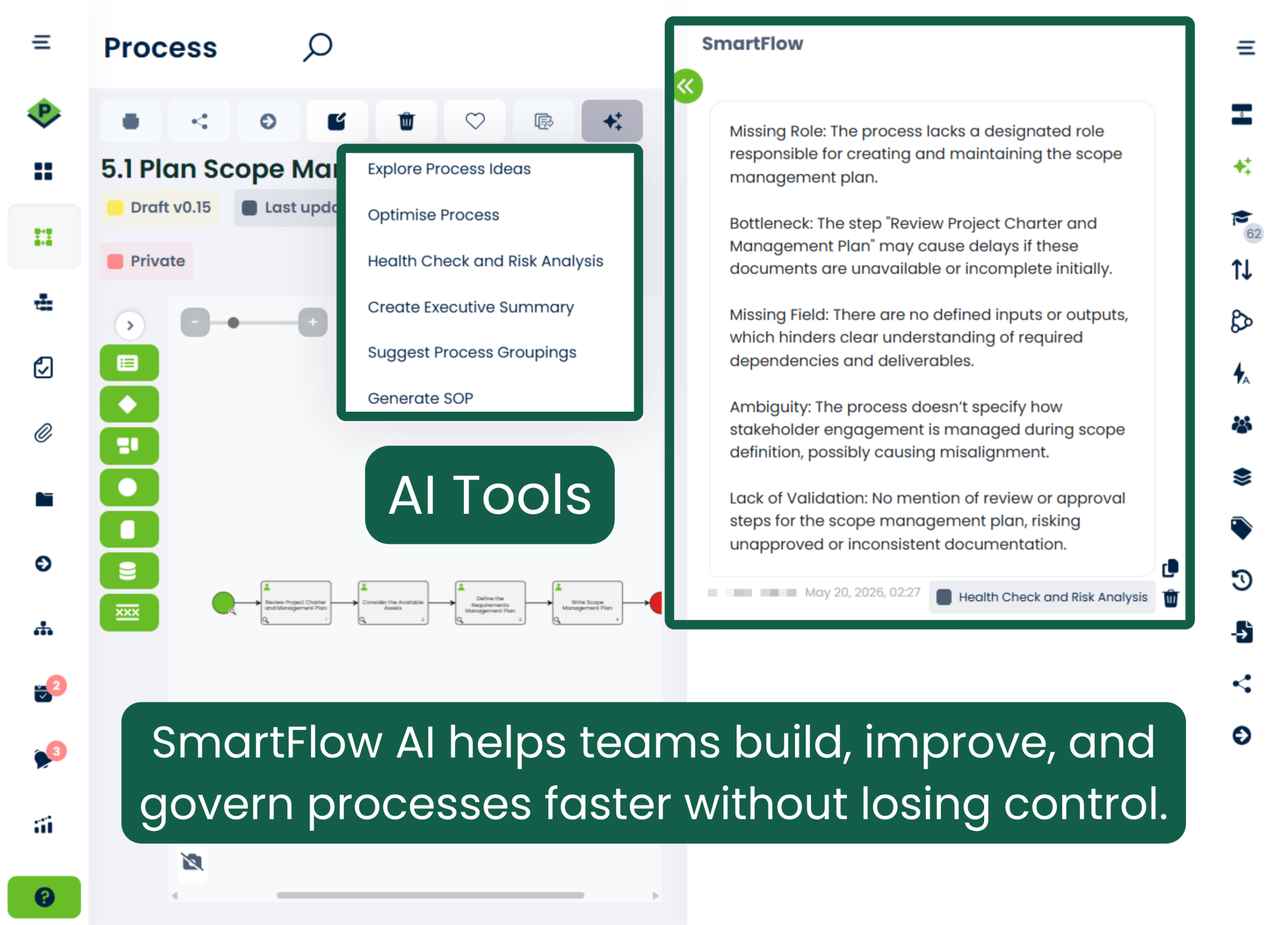
SmartFlow AI is a set of artificial intelligence features built into ProcessPro. Start with an uploaded document, a process title and objectives, or an existing ProcessPro process and get a draft process, recommendations, design findings, a summary or a downloadable SOP.
Because it works inside ProcessPro, the output does not end as a standalone diagram. It becomes a process your team can own, review, approve, publish and improve over time.
Unlike standalone AI diagramming tools, SmartFlow creates process content inside ProcessPro, where your team can assign ownership, manage approvals, control publication and retain version history.
What you can do with SmartFlow AI
Create a process from a document
Turn a PDF, Word file or presentation into a structured draft with activities, tasks and roles, reducing the time spent rebuilding existing process information.
Create from a title and objectives
Get suggested activities, roles, triggers, inputs and outputs when nothing is documented yet.
Identify processes in documents
Analyse a managed policy or manual to surface the process knowledge that belongs with it.
Optimise an existing process
Written recommendations on duplicated work, inefficient steps and handoffs to simplify.
Health check and risk analysis
Find missing ownership, unclear inputs and outputs, repeated handoffs and dead-end activities.
Create an executive summary
A four to five sentence summary of a process, written for a business audience.
Suggest groupings
Recommended phases, sections or subprocesses that make a long map easier to follow.
Generate an SOP
A downloadable PDF SOP with version control, responsibilities and procedure steps.
Try the SmartFlow AI interactive demo
Use this interactive demo to follow SmartFlow AI through process creation, improvement, risk analysis and supporting documentation. Click through each step at your own pace to understand how the tools work inside ProcessPro.
From source information to a governed process
Provide the source
Upload a document, enter a title and objectives, or open an existing process.
Choose the AI feature
Select the SmartFlow AI tool that matches the work you need to complete.
Review the output
Check the proposed content against how the work is actually performed.
Refine and govern
Assign ownership, apply approvals and publish only when your team is satisfied.
For a practical method covering each stage, see how to use AI for process mapping.
AI-assisted process work with human control
SmartFlow AI reduces the time spent creating and reviewing process content without removing human judgement. General diagramming and mind mapping tools help you visualise a flow. ProcessPro helps you manage the process after the first map exists.
ProcessPro uses OpenAI to provide SmartFlow AI. AI output can be incomplete or inaccurate, so a person who understands the process should review it before publication.
This keeps AI in business process management focused on supporting people without replacing ownership, judgement or approval.
- AI-generated processes remain drafts until your team reviews and publishes them.
- Improvement, health check and grouping suggestions never change a process automatically.
- Access depends on your company settings and user permissions.
- Administrators control whether AI may create roles, glossary terms and notes.
- Generated process content is recorded in ProcessPro change logs.
- A source file uploaded to create a process is not stored by ProcessPro.
Who uses SmartFlow AI?
Process and continuous improvement teams
Create first drafts faster, identify unnecessary complexity and organise processes for clearer analysis.
Risk, compliance, quality and safety teams
Check process design for missing ownership and structural gaps, then generate controlled documentation.
Operations leaders
Turn operational knowledge into processes that can be owned, approved, reviewed and improved.
Subject matter experts
Spend less time recreating documents and more time checking whether a process reflects the real work.
How SmartFlow AI works
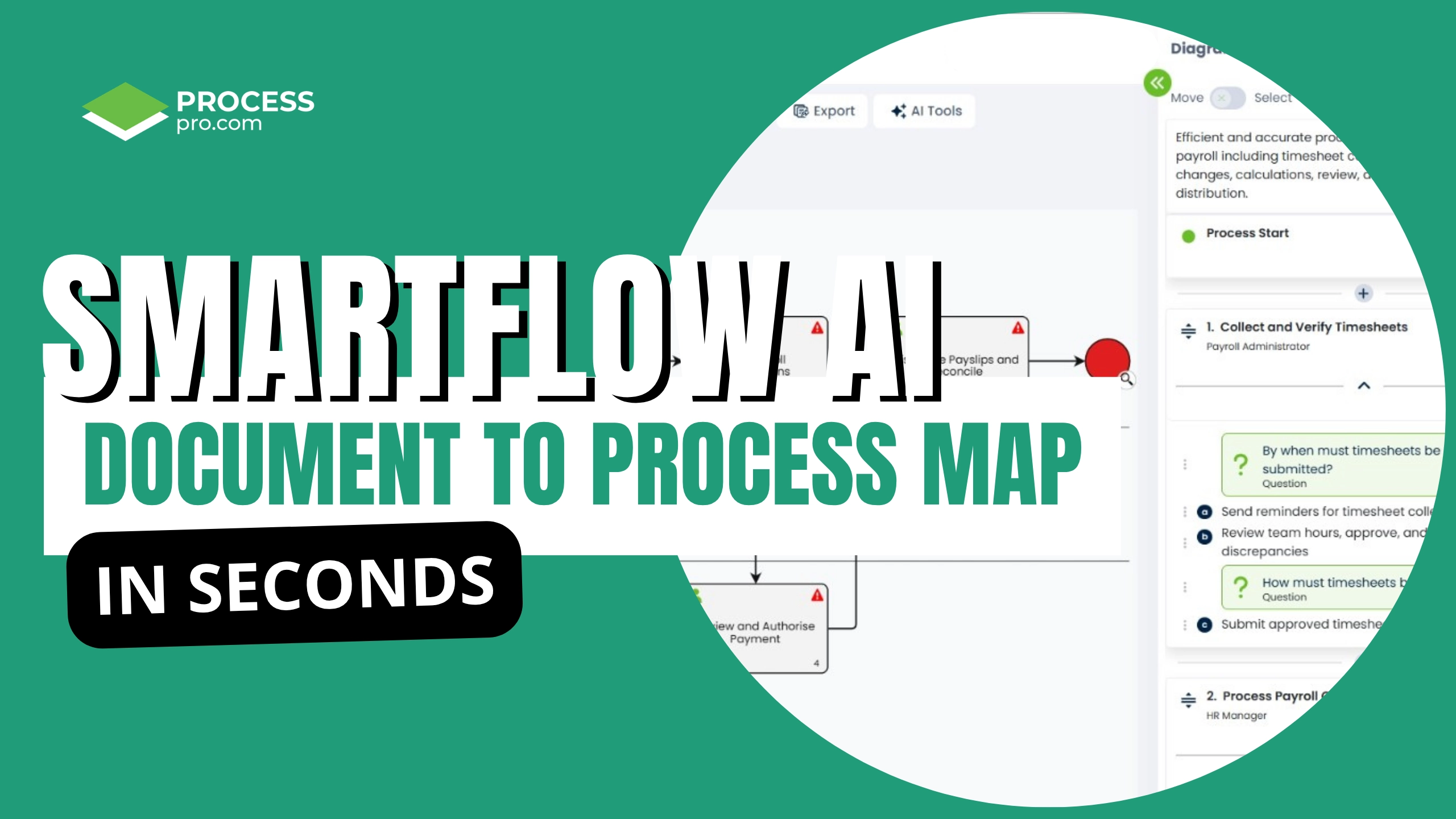
Generate from a document
Upload a process document and SmartFlow AI builds a structured draft map, with roles, activities, and swim lanes already in place. Review, refine, and publish.
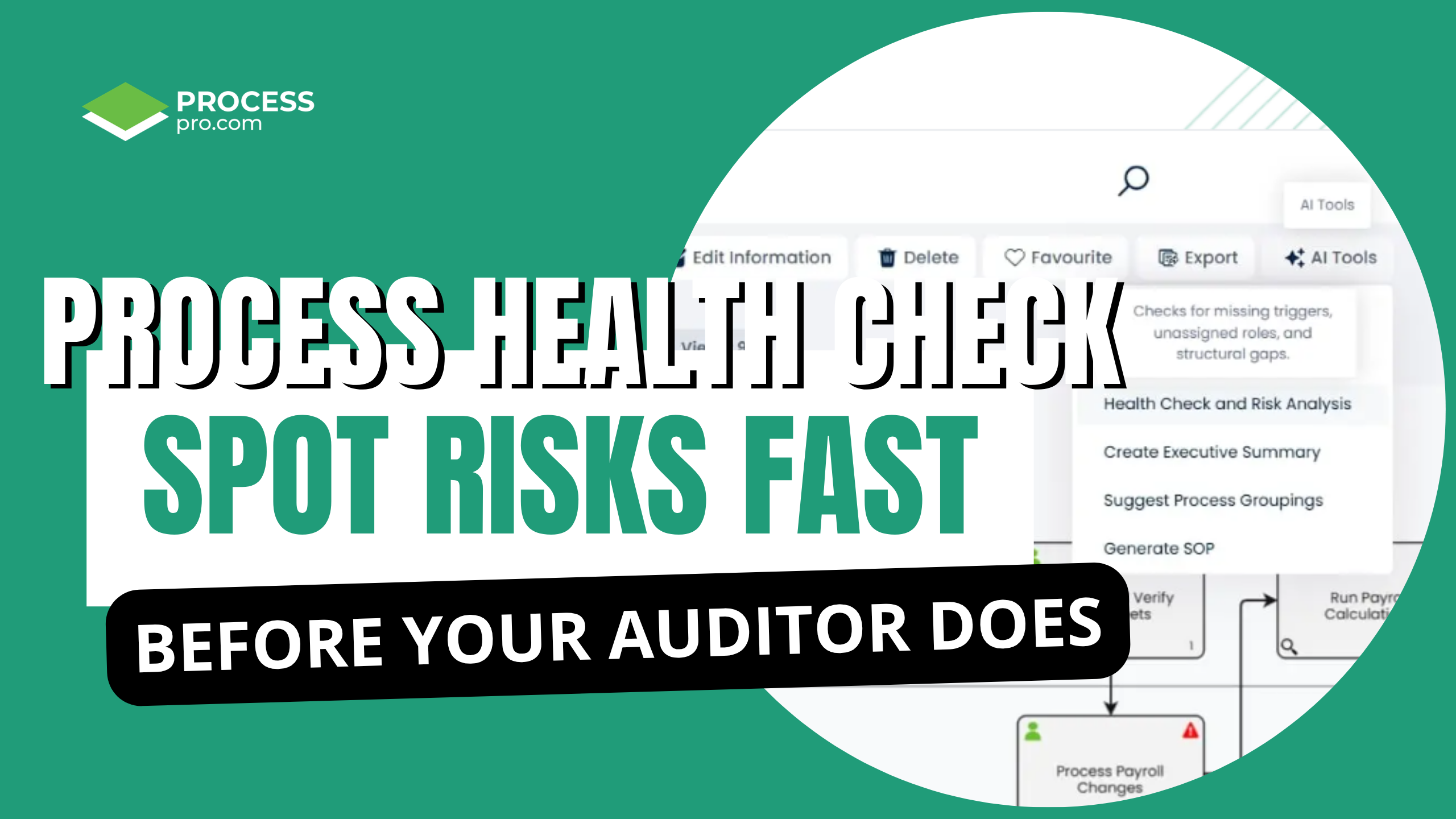
Spot risks before they escalate
Health Check and Risk Analysis scans your process for missing roles, unassigned triggers, bottlenecks, and structural gaps, before your auditor does.
Generate an audit-ready SOP
Turn any mapped process into a formatted SOP covering purpose, scope, responsibilities, and procedure steps. Downloads as a PDF, ready to share.

Frequently asked questions
Can SmartFlow AI create a process map from a document?
Yes. Upload a supported document and SmartFlow AI can create a draft ProcessPro process with activities, tasks, roles and supporting information. Your team reviews and edits the draft before publication.
What can I upload?
A PDF, Word document, presentation or supported text file. The source must contain enough readable process information to identify the work and its activities.
Does ProcessPro store the document I upload?
No. The source file used to create a process is not stored by ProcessPro.
Can SmartFlow AI improve an existing process?
Yes. It can review a process or value stream and suggest ways to streamline, merge or simplify steps. It provides recommendations but does not apply changes automatically.
What does the Health Check and Risk Analysis assess?
Process design issues such as missing ownership, unassigned roles, unclear inputs and outputs, repeated handoffs and long approval chains. It is not a business risk assessment tool.
Can SmartFlow AI generate an SOP?
Yes. A PDF SOP from information held in ProcessPro, including version control, purpose, scope, responsibilities, procedure steps and risks.
Start with the process knowledge you already have
Upload a document or enter a process title and objectives. SmartFlow AI will create a structured starting point inside ProcessPro, ready for your team to review, refine and govern.